Repair Means Business · Small Business Saturday
The Small Business Saturday Shop Kit
Free signs, flyers, and social graphics for tech repair shops.
From the Tech Care Association. Download, print, post.
Small Business Saturday is November 28, 2026. Everything here is free for any independent tech repair shop to use. Some pieces are ready to go. Others have space for your shop name, hours, and offer.
- Pick your pieces. Take one window sign, one counter card, and two or three social graphics. You don’t need all of them.
- Add your details. Type into the fillable PDFs, or add text to the images on your phone.
- Print and post. Print at home or send the PDFs to a local printer. Post the graphics with a real photo of your shop.
Want everything? Get all 14 files in one download.
Ready to use
Nothing to edit. These promote your shop and Small Business Saturday as they are.
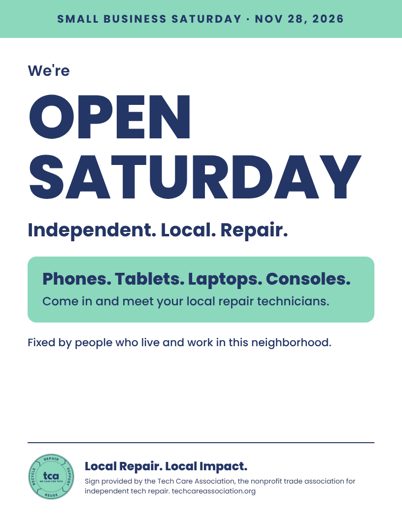
Window poster
PDF · Letter, portrait
“We’re open Saturday.” Print it and tape it in the window. Nothing to fill in.
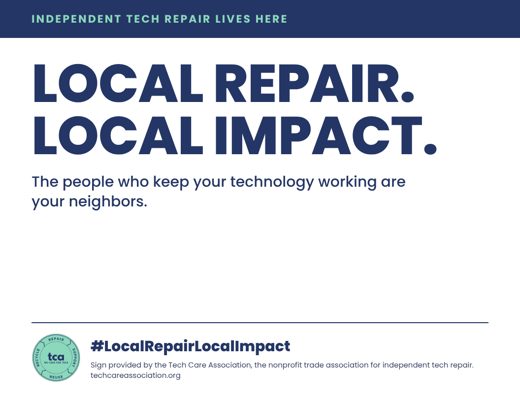
Local Repair. Local Impact. window sign
PDF · Letter, landscape
A year-round sign for the door or counter. Not tied to the date, so it stays up after the weekend.
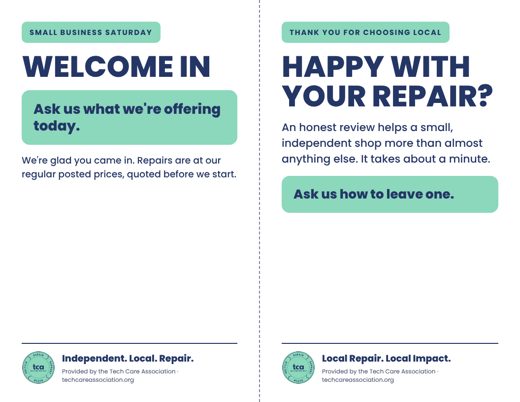
Counter cards
PDF · Letter, cut in half
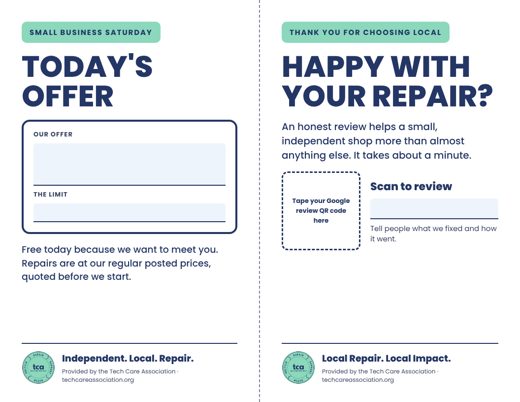
One card welcomes customers and one asks for an honest review. Print on cardstock and cut down the dashed line.

Post: We’re open Saturday
PNG · 1080 x 1080
For Facebook, Instagram, LinkedIn, and Google Business Profile. Post it this week.
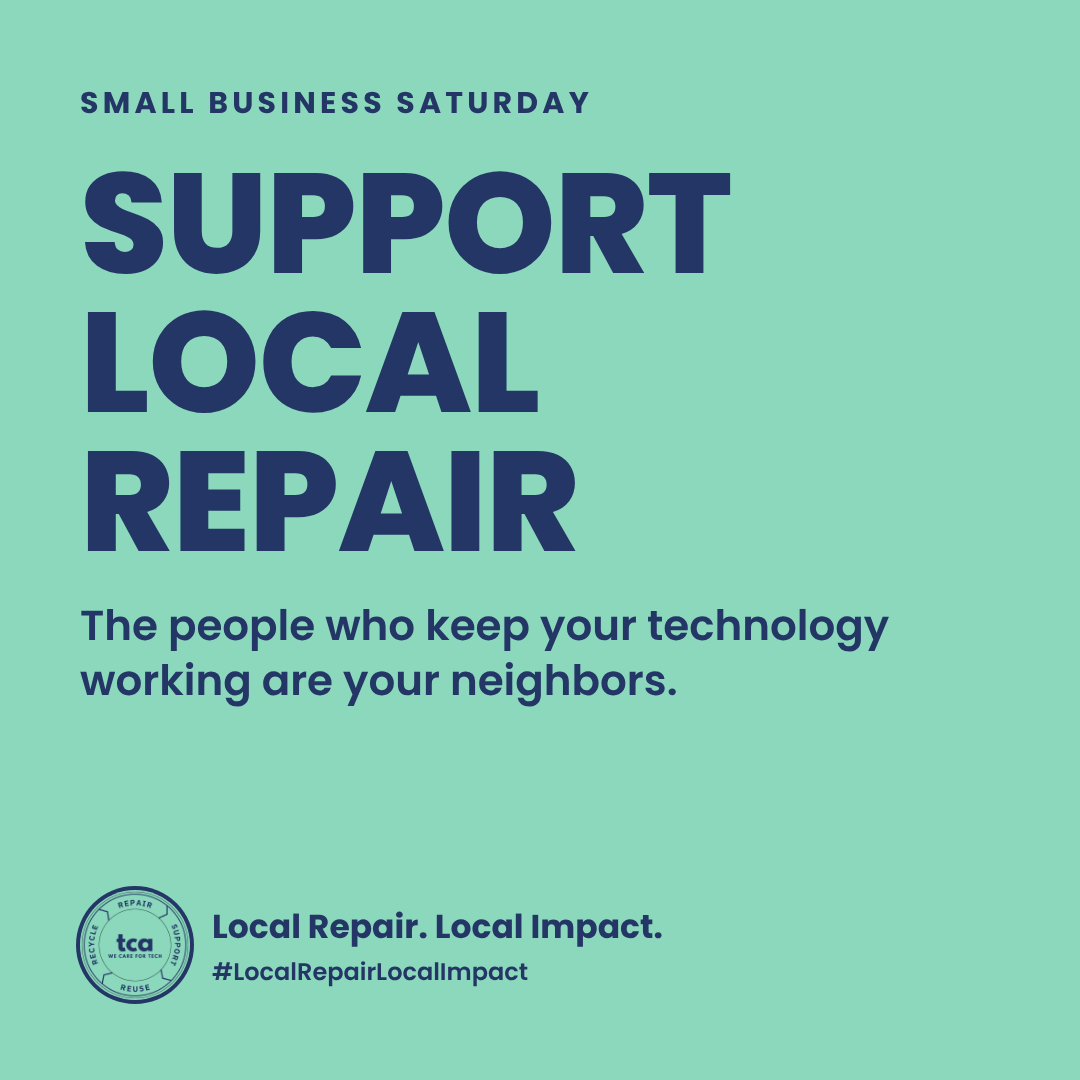
Post: Support local repair
PNG · 1080 x 1080
The campaign post. Use it any day with #LocalRepairLocalImpact.
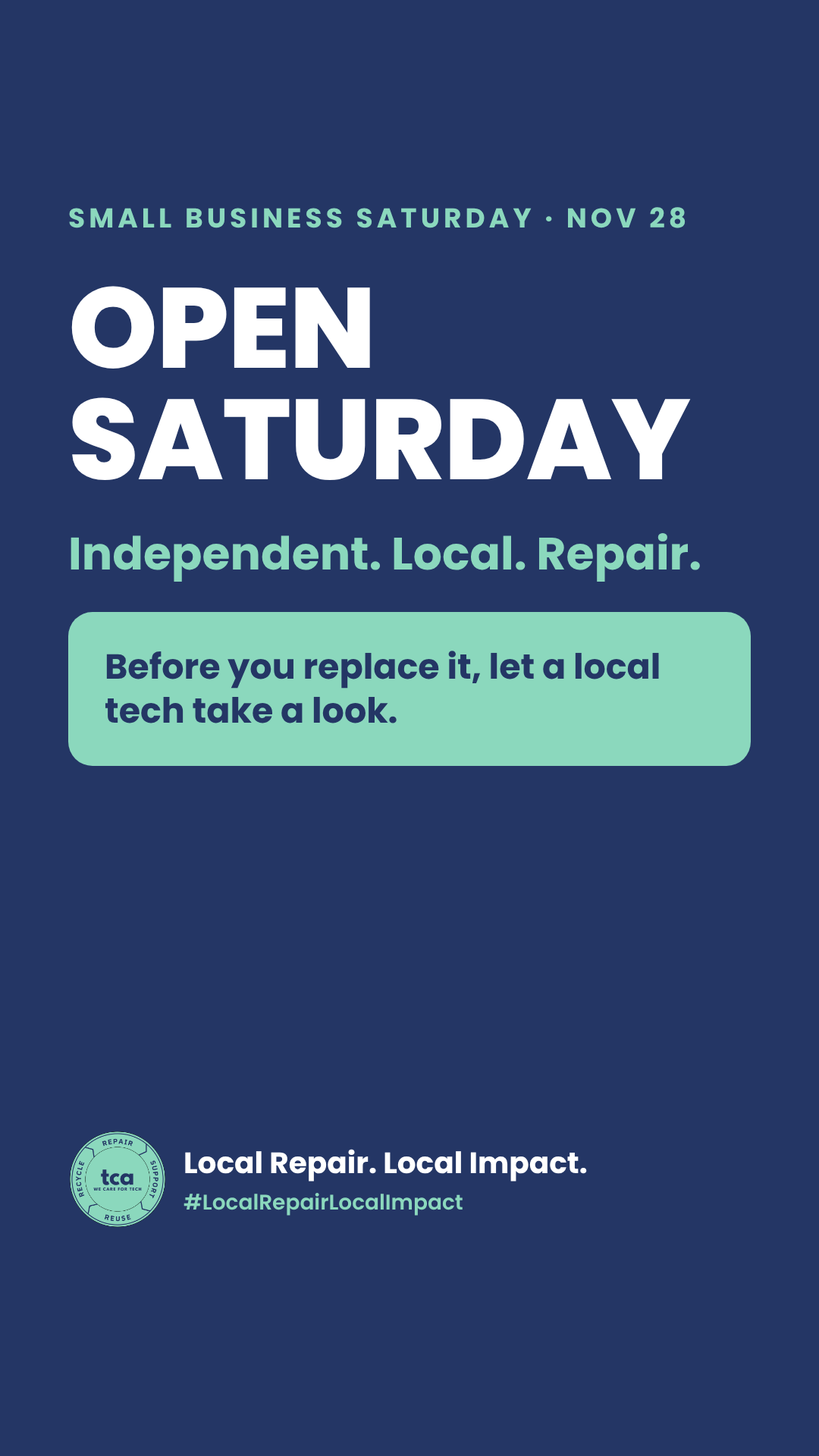
Story: Open Saturday
PNG · 1080 x 1920
For Instagram and Facebook stories on Saturday morning.
Add your shop’s info
The PDFs have boxes you can type in. Open them in Adobe Acrobat Reader or in your browser, type, and print. The images have a white box where you add your own text.
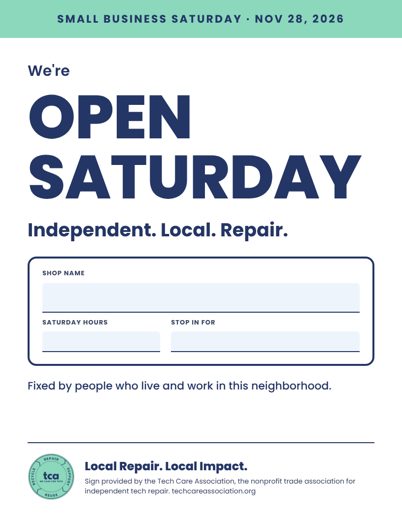
Window poster with your details
Fillable PDF · Letter, portrait
Type your shop name, Saturday hours, and offer, then print.
Counter cards with your offer
Fillable PDF · Letter, cut in half
Type your offer and its limit on one card and your shop name on the review card. Tape your Google review QR code in the box.
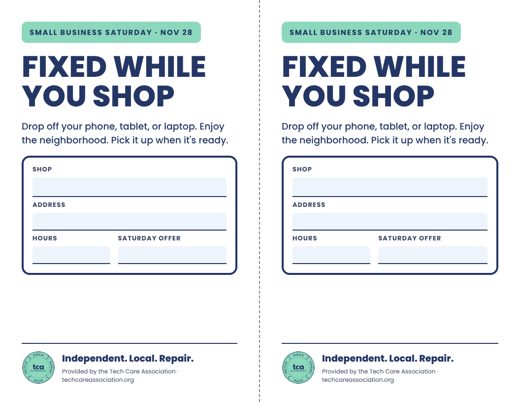
“Fixed while you shop” neighbor flyer
Fillable PDF · Letter, cut in half
Two half-page flyers for the cafe or bookstore next door. Type your shop name, address, hours, and offer.
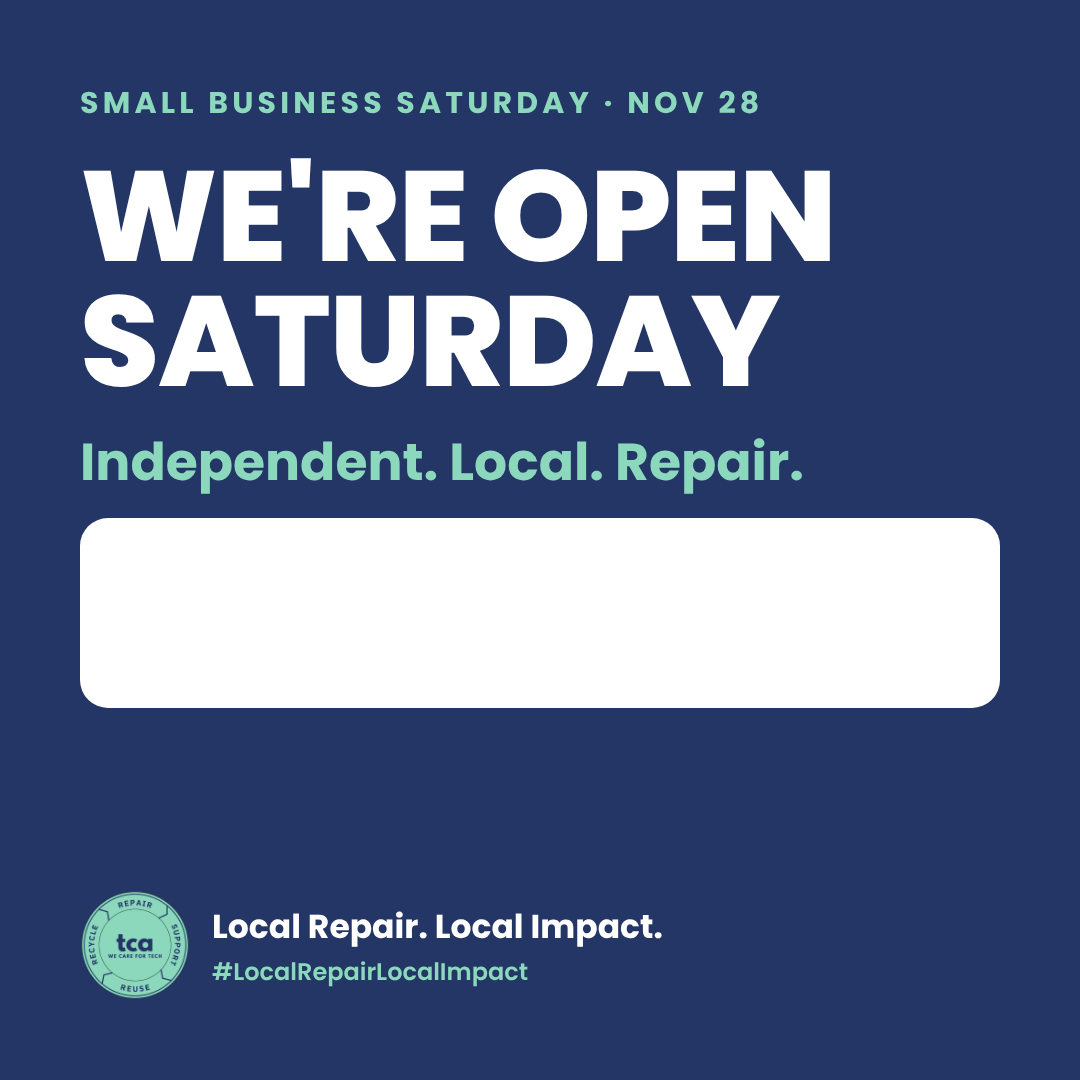
Post: Open Saturday, add your name
PNG · 1080 x 1080
The white box is yours. Add your shop name and hours with your phone’s text tool or any photo editor.
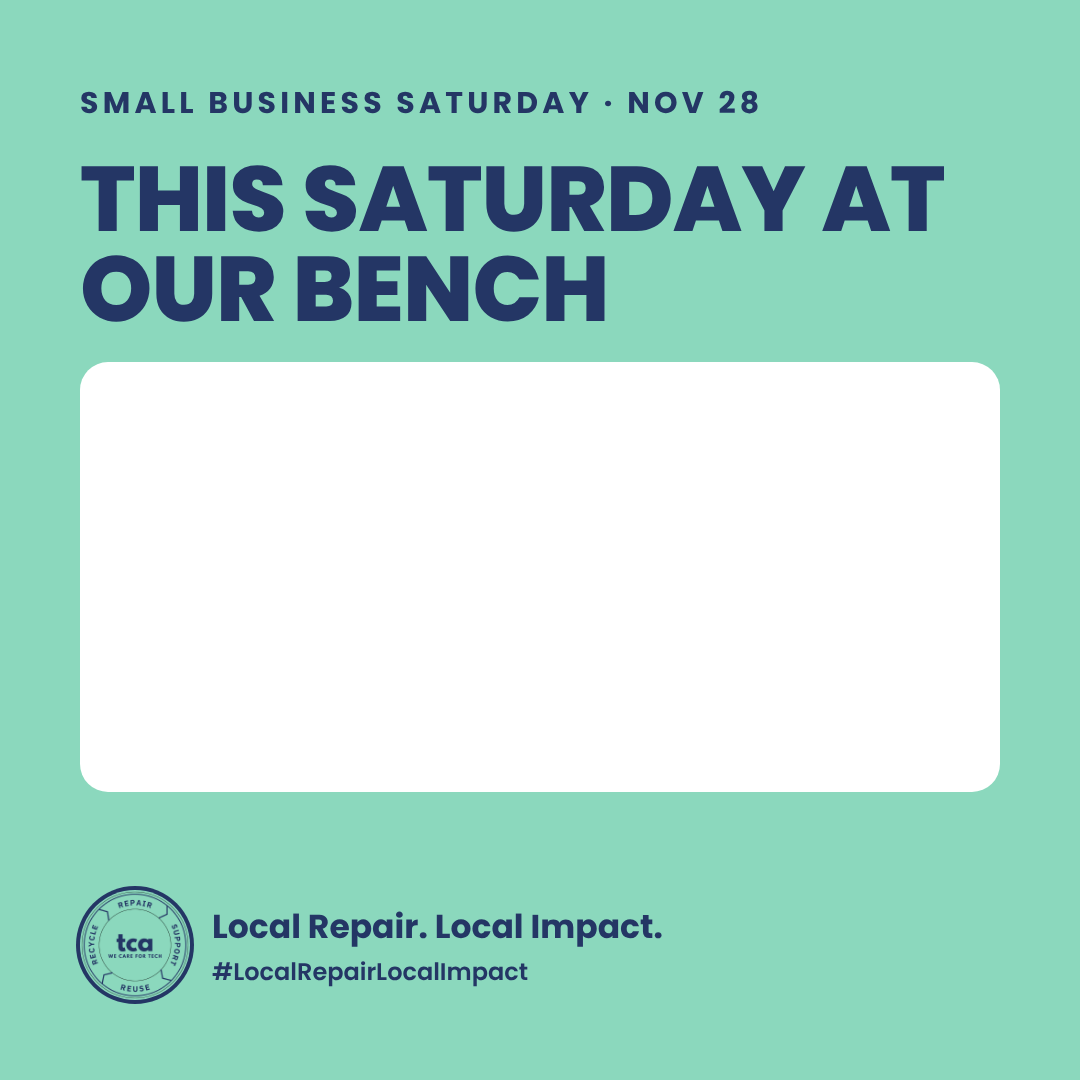
Post: Our offer, add your details
PNG · 1080 x 1080
Write your offer and its limit in the white box.
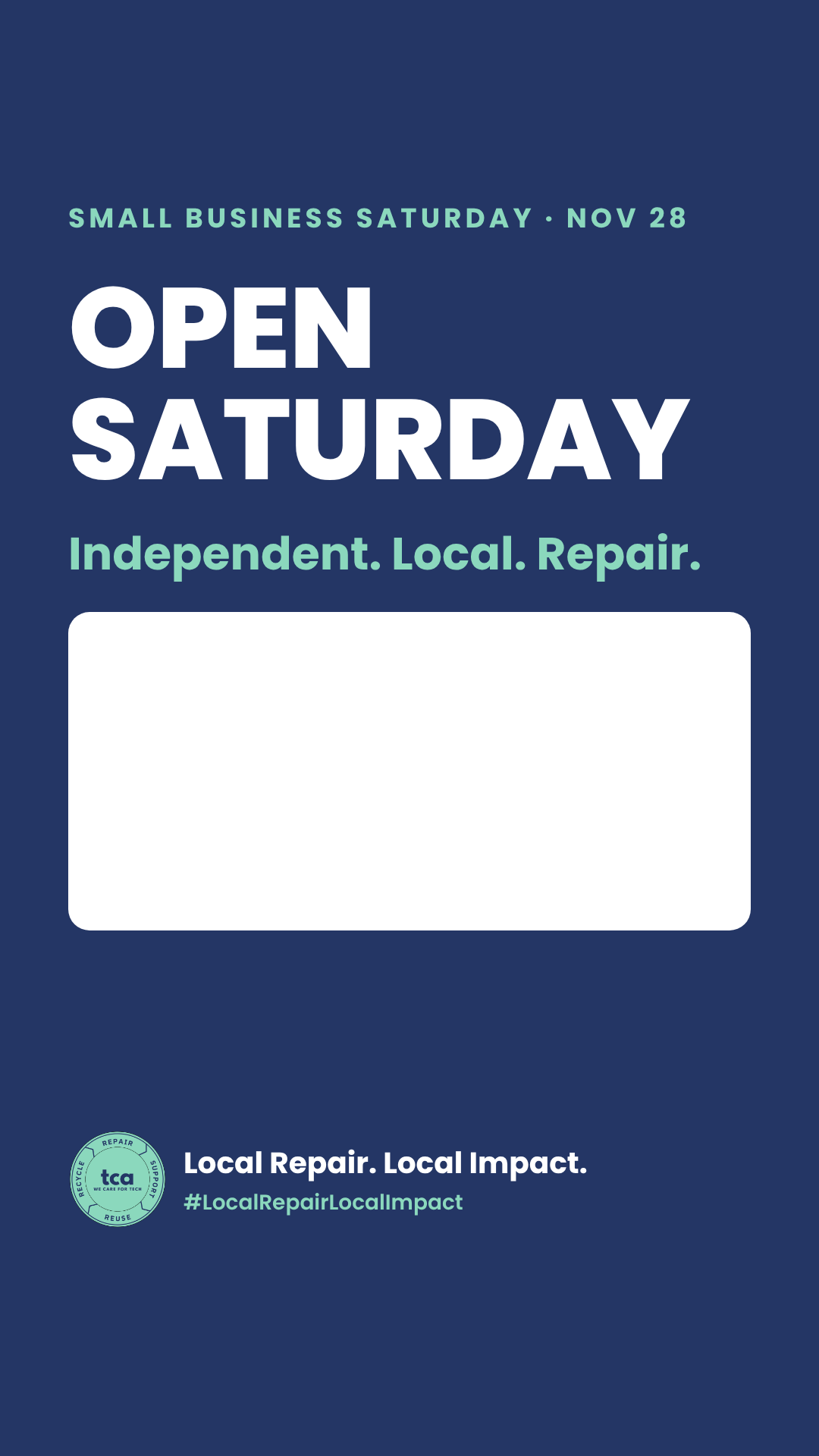
Story: Open Saturday, add your name
PNG · 1080 x 1920
Add your shop name, hours, and address in the white box, or drop a location sticker on it.
Plan your ten days
The checklist goes with Repair Means Business: How to Make Small Business Saturday Pay. Read that first if you haven’t picked an offer yet.
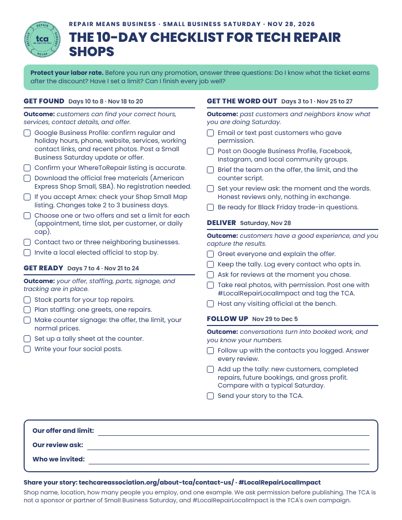
The 10-Day Checklist
PDF · Letter, portrait
The countdown from the article on one page. Tape it next to the register.
How to get the most from the kit
Printing
- Every PDF is US Letter size. Print at 100 percent, not “fit to page.”
- Use cardstock for the counter cards and the flyer, then cut along the dashed line.
- A local print shop can run all of these from the PDFs. That’s one more neighbor to partner with.
- If typing in a PDF doesn’t work in your browser, download the file and open it in the free Adobe Acrobat Reader.
Posting
- Pair each graphic with a real photo of your team, your bench, or your storefront. Real photos do more than any graphic.
- To fill a white box, use the text tool in Instagram or Facebook, or any photo editor. Dark blue text reads best.
- Use a few hashtags that fit: #SmallBusinessSaturday, #ShopSmall, #LocalRepairLocalImpact, one for your trade, and one for your town.
- Tag the TCA so we can see what your shop is doing.
Your offer
- Protect your labor rate. Pick an offer that takes little technician time and set a limit.
- Write the limit on the counter card: by appointment, one device per customer, or a daily cap.
- Keep customer names, serial numbers, and unlocked screens out of any photo you post.
Show us your shop
#LocalRepairLocalImpact is a campaign from the TCA to spotlight the independent repair businesses, technicians, and entrepreneurs serving communities across the country. Post a photo of your sign in the window, tag the TCA, and send your story through the TCA contact page. We ask your permission before we publish anything about your shop.
These materials are provided free by the Tech Care Association for independent tech repair shops. Using them does not make a shop a TCA member or imply certification. Please don’t alter the TCA logo. Small Business Saturday was founded by American Express and is cosponsored by the U.S. Small Business Administration. The TCA is not a sponsor or partner of the program, and this kit is not official program material. For the official Shop Small materials, visit the American Express Shop Small page.
